
First-Time Setup Steps
Accept your invitation
1. Accept your invitation
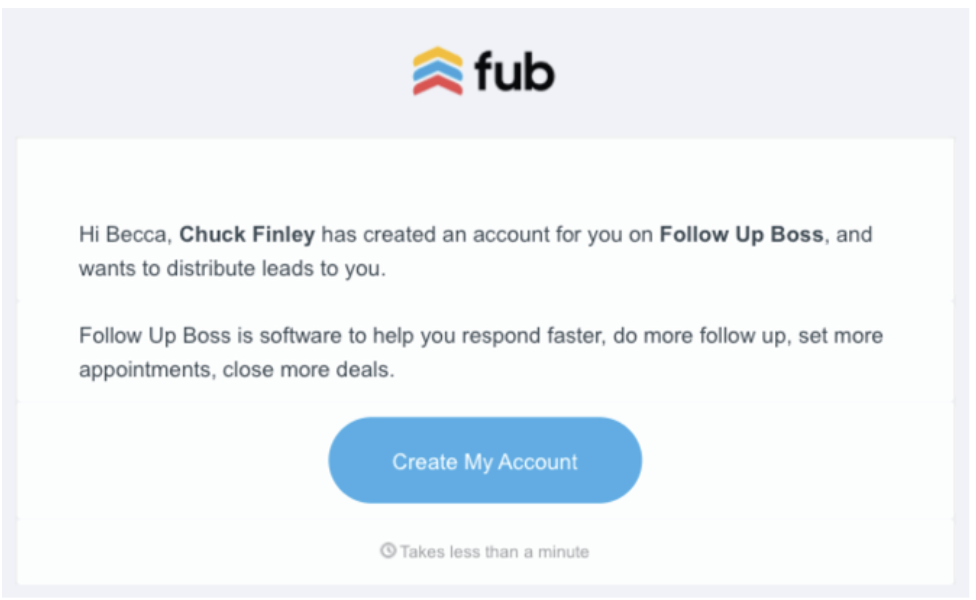
- Look for an email: “Kevin invites you to Follow Up Boss”
- Click Create My Account
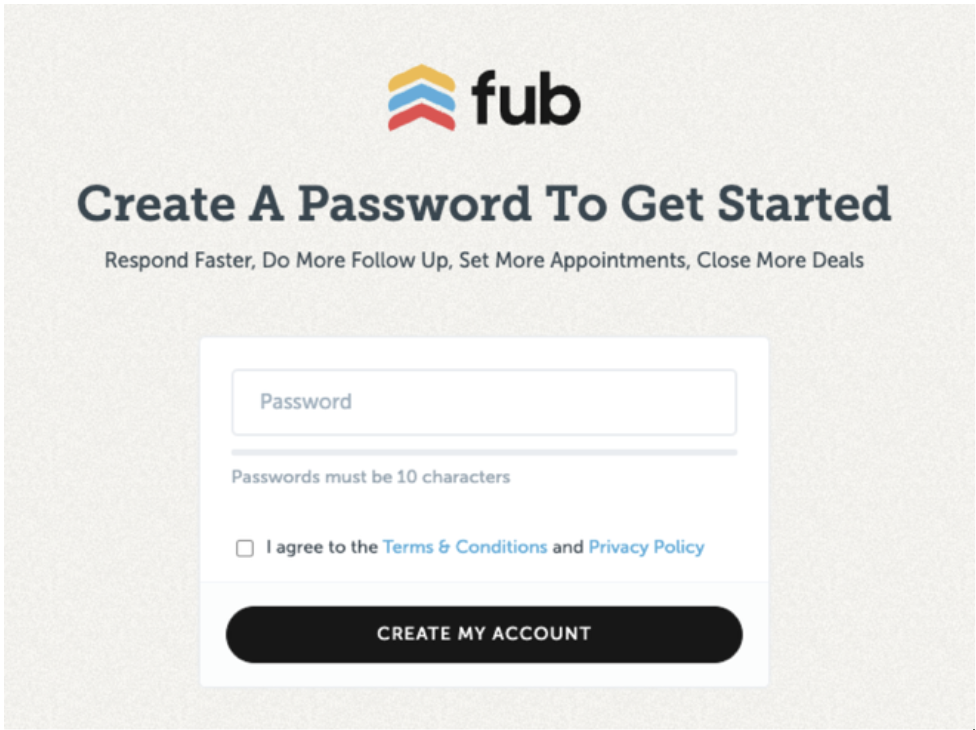
- Set your password > Agree to the terms > Log in
Note: This is the password you’ll use on both desktop and mobile.
Connect your email
- Go to your initials (top-right) → My Settings
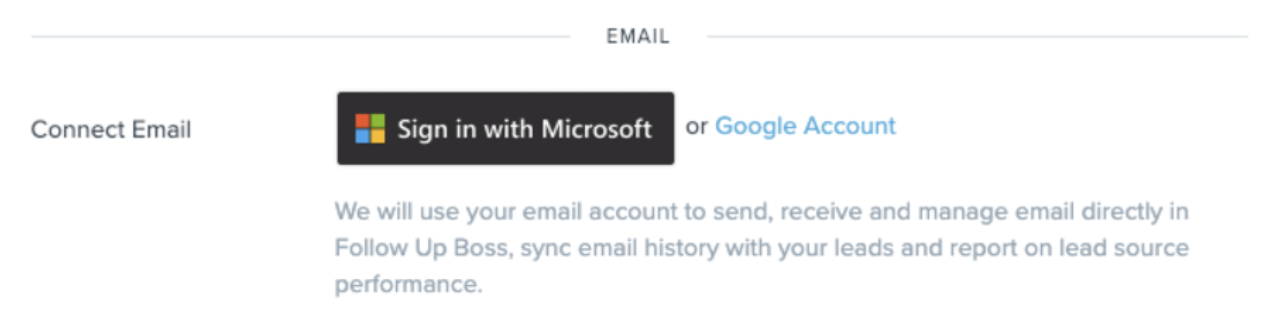
- Scroll to the Email section → Click “Sign in with Microsoft.”
- Follow Outlook prompts to connect
- This syncs your conversations with leads, regardless of whether you email from FUB or Outlook
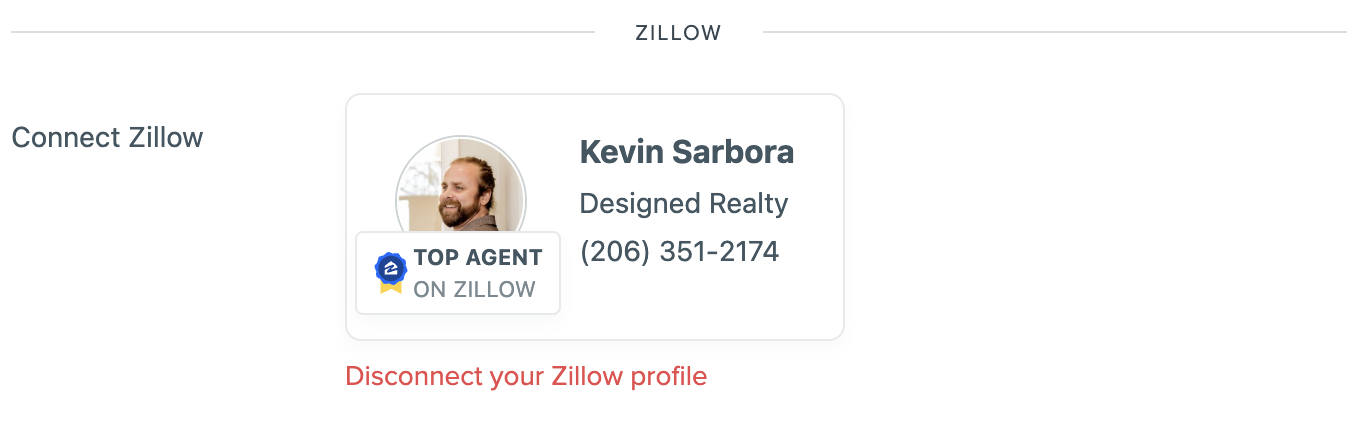
Link your Zillow Profile
- Required for Zillow-powered features and lead syncing
Customize your settings
- Go to My Settings to update your call preferences and email signature
- Click the Bell icon > Settings to customize notifications
- Enable all notifications to stay alert to new leads and replies
Download the app
- Download for iPhone
- Download for Android
- Allow notifications, contacts, and mic access
Need Help?
Visit the FUB Support Center
https://help.followupboss.com/hc/en-us